- Call our expert sales team on 01594 810746 to find the right Robotic Mower for your lawn -



SEGWAY NAVIMOW – H2 Series
The Next Generation of Intelligence. Navimow H2 Series.
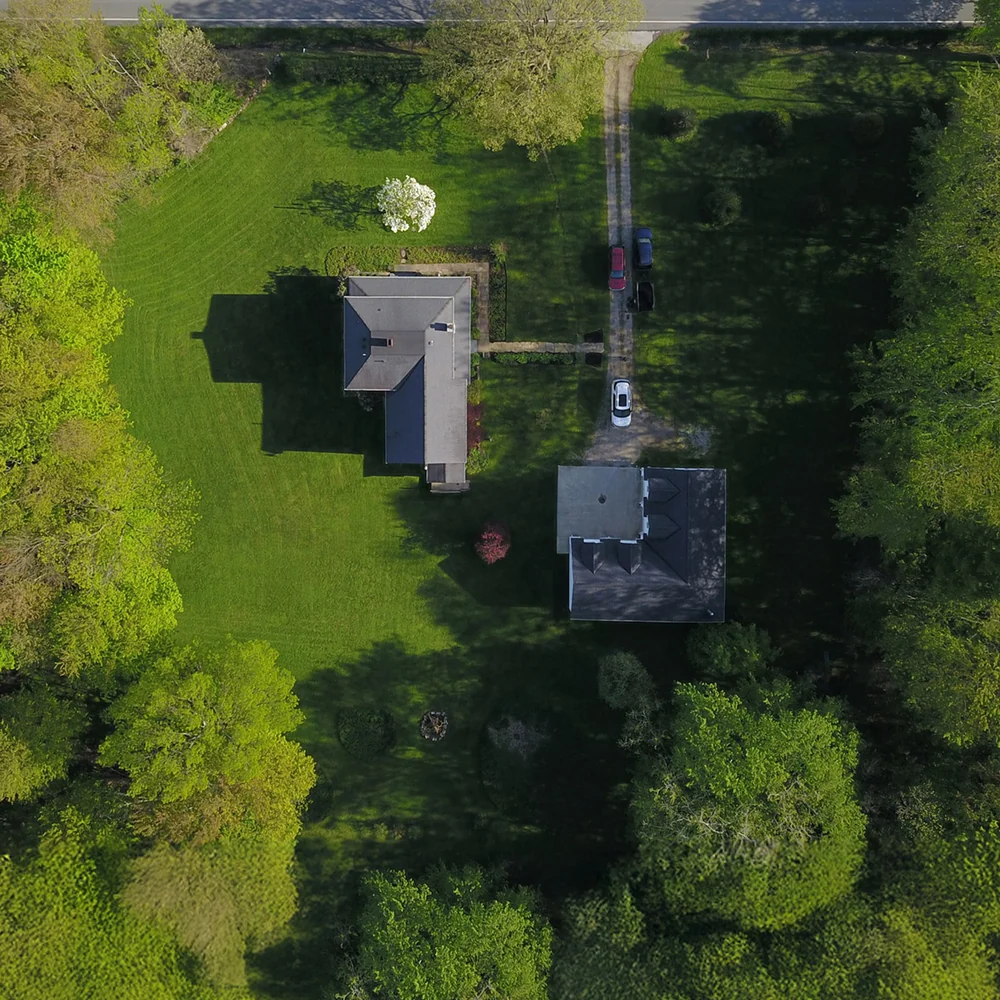
The Segway Navimow H2 Series redefines the boundaries of robotic mowing, bringing a truly automated, wire-free experience to even the most complex landscapes. Say goodbye to perimeter wiring and complicated antenna setups—with Navimow H2, you can simply “Drop and Mow”.
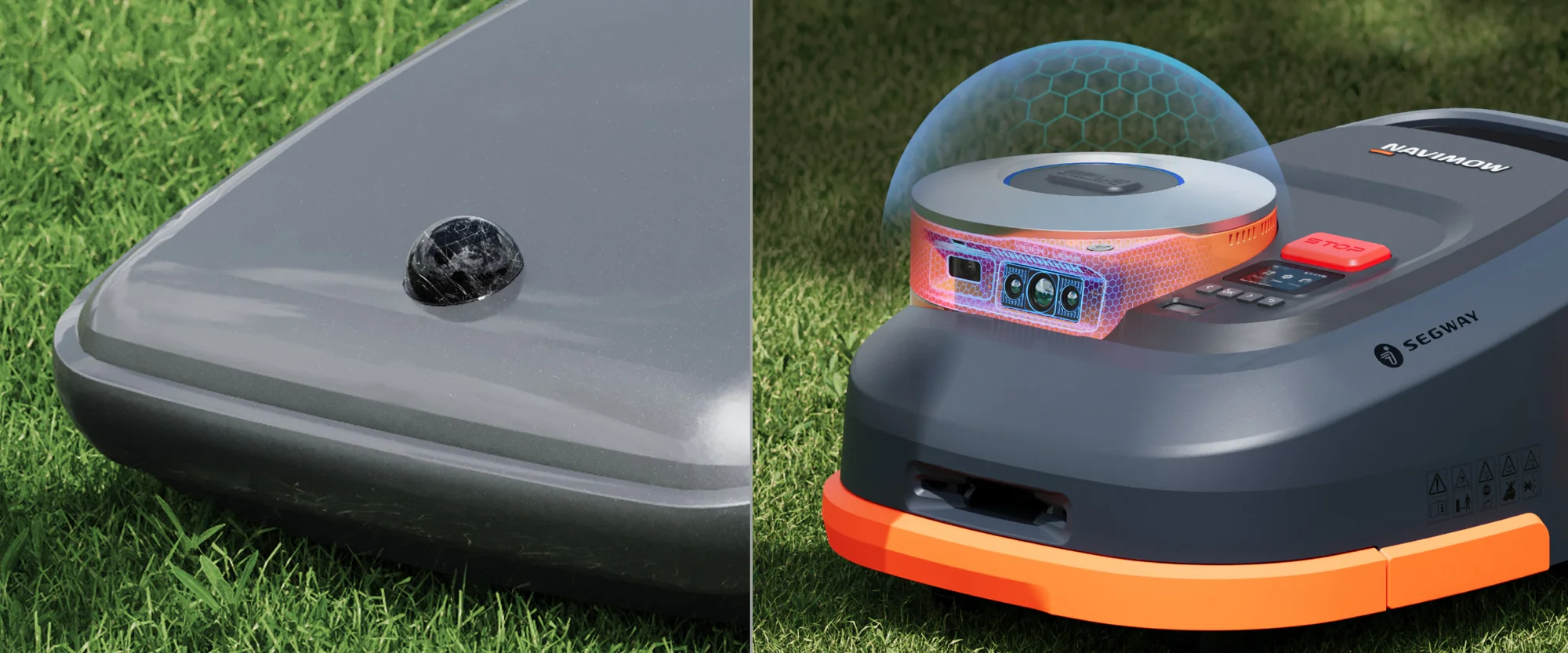
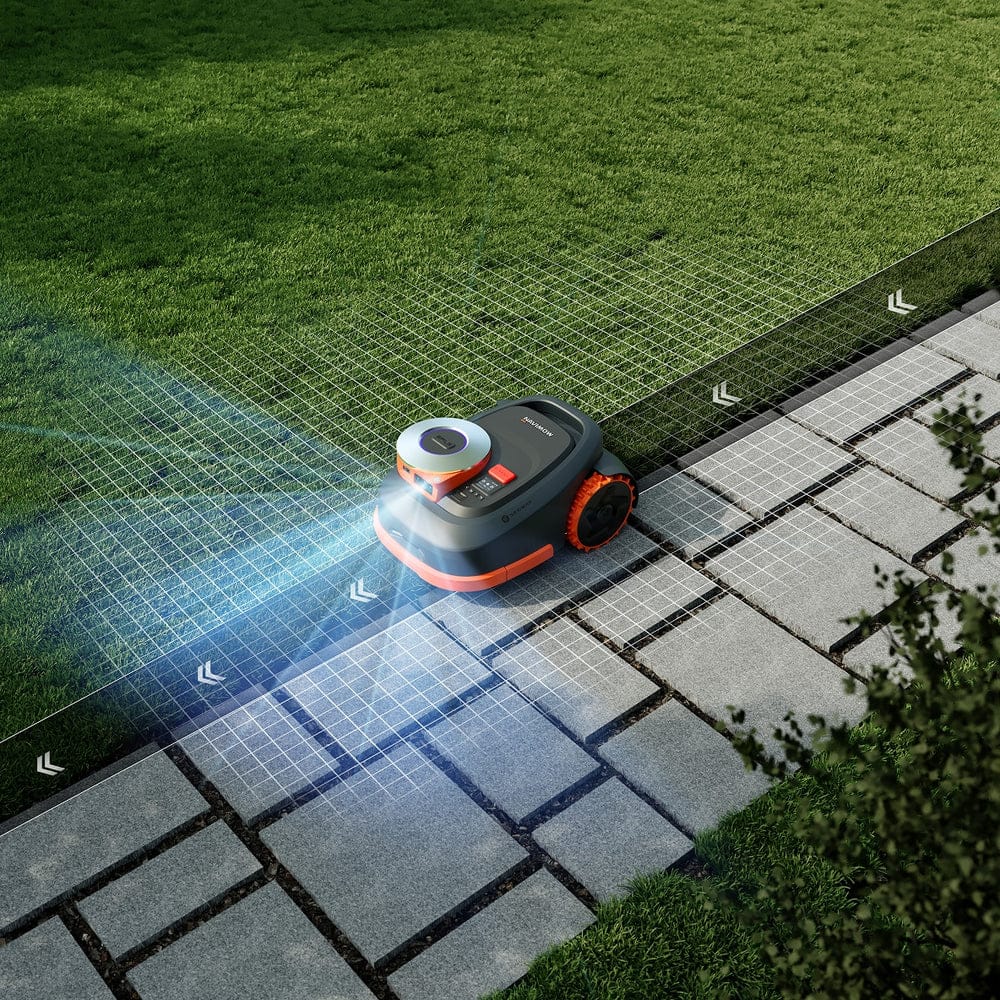
Absolute Precision with AI Triple Fusion The H2 Series is powered by an industry-leading AI Triple Fusion navigation system, integrating solid-state LiDAR, Network RTK, and Vision technology. This advanced combination ensures the mower maintains absolute precision and reliability, navigating effortlessly under heavy tree cover, through narrow passages, and across gardens with weak signals.
Effortless Setup, Expert Results
Truly Wire-Free: No perimeter wires and no local antenna installation required.
VisionFence™ Technology: Equipped with the latest VisionFence™ camera to detect and avoid over 200 types of obstacles for superior safety.
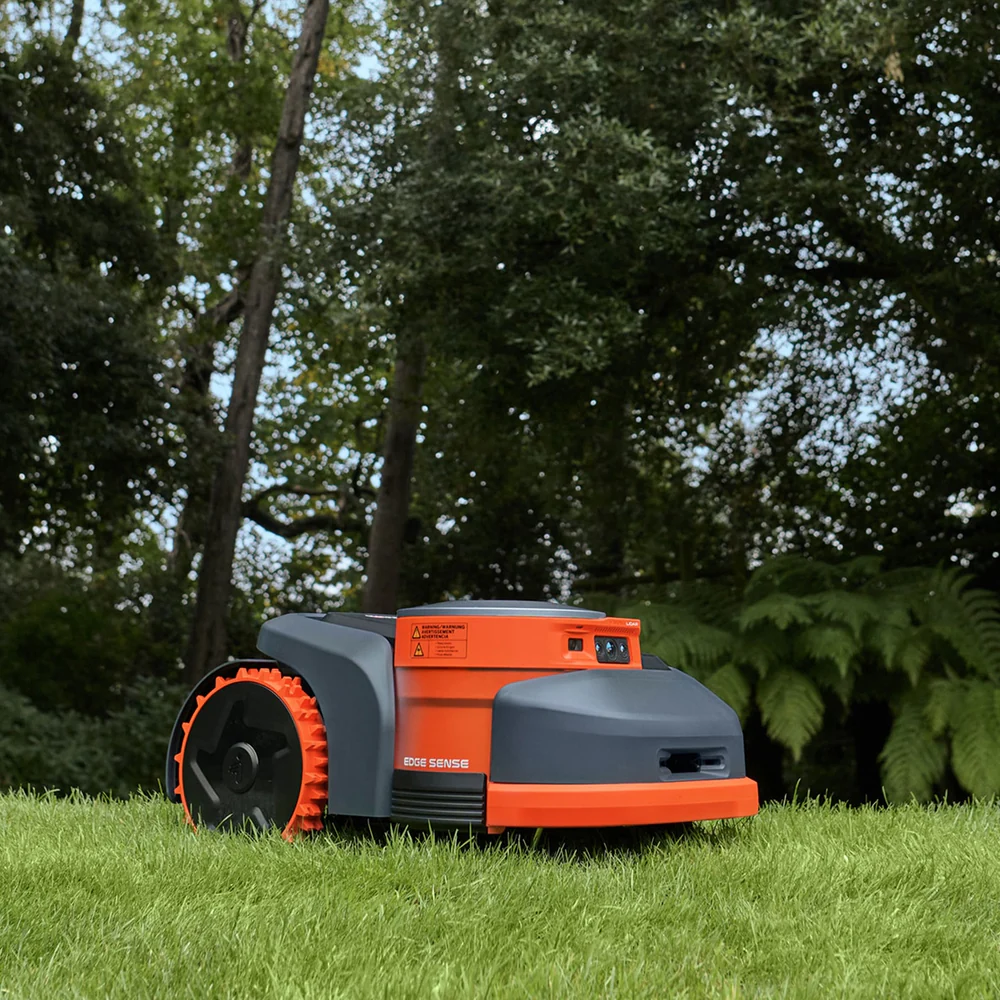
Perfect Edges: EdgeSense technology ensures the mower cuts right to the boundary for a professional, clean finish.
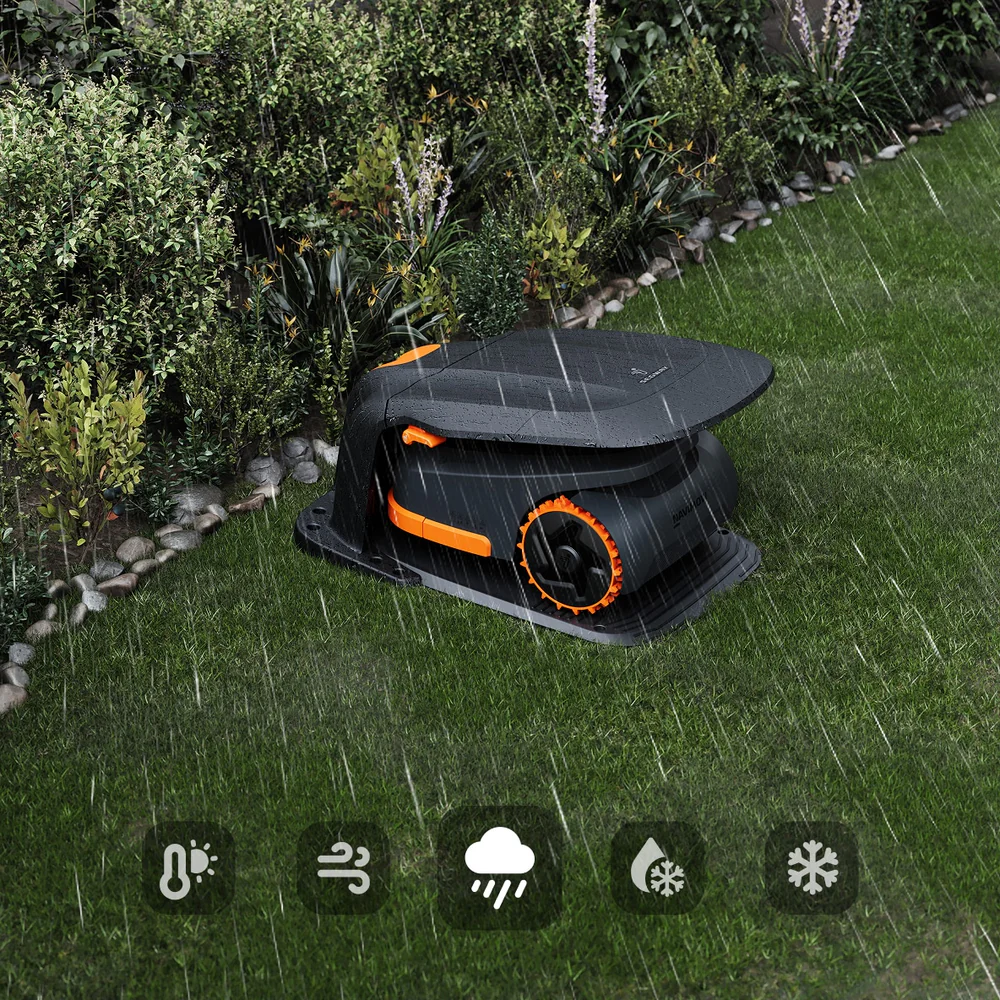
All-Terrain Performance: Built for the British outdoors with an IP66 waterproof rating and the power to master slopes of up to 45%.
Experience the ultimate in hassle-free lawn care and get back to the things you love.
- £19,599.00
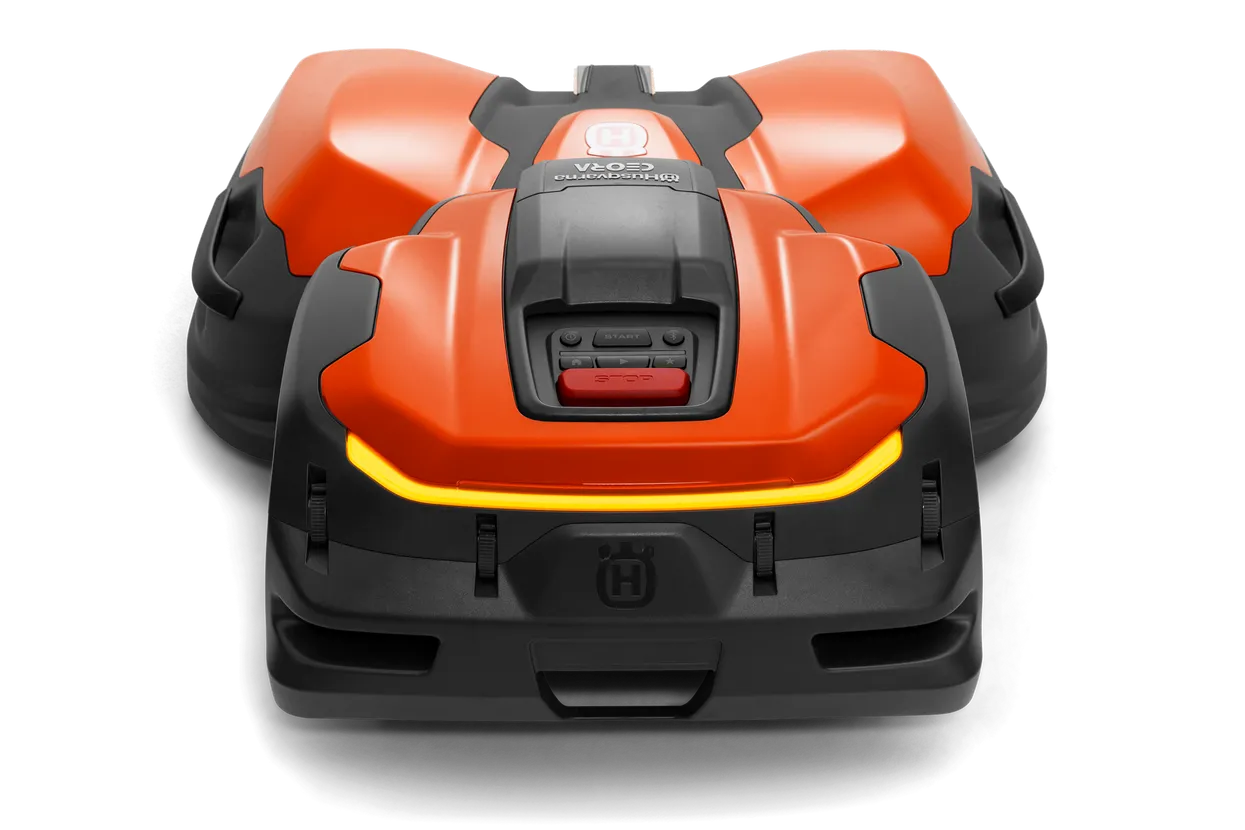
Husqvarna CEORA robotic mower for golf courses, football fields, hotel grounds
A high-performance robotic model designed for extensive mowing tasks, incorporating Husqvarna EPOS technology. This system offers systematic and precise cutting, optimized for flexibility within designated virtual boundaries. It is capable of managing vast areas, including multiple football fields, golf courses, and large-scale hotel, corporate, or municipal properties. The coverage capabilities include up to 75,000 m² for a standard quality cut (mowing every third day), up to 50,000 m² for a professional quality cut (mowing every second day), or up to 25,000 m² for a professional sports quality cut (mowing daily).
This model ensures a professional finish on the turf, operating quietly and producing zero emissions during use. The optimal CEORA configuration includes the CEORA 546 EPOS drive unit, the custom-designed RZ 43M cutting deck or RZ 43L cutting deck, the CS4 charging station and EPOS reference station.
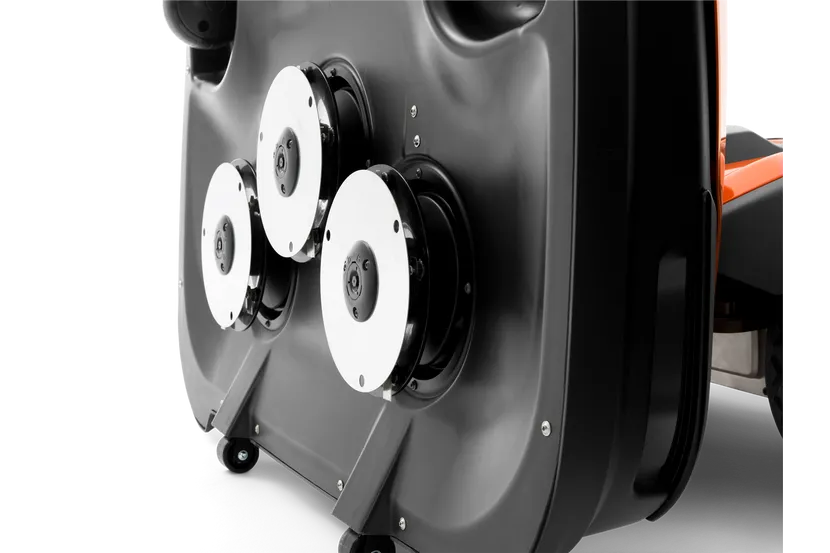
Razor RZ43M Cutting Deck
The tailor-made CEORA cutting deck, Razor 43M, features a cutting system with three blade discs. Totally 15 high-speed steel razor blades keep the turf at an excellent quality level. A Protection zone make that the risk for accidents where extremities touching the blades has been kept to a minimum. Easy maintenance and handling is possible by an ergonomic and unique service position, meaning the cutting deck can quickly be tilted for easy access to the blade discs or for hose washable cleaning (IPX5 classified).
Razor RZ43L Cutting Deck
The CEORA RZ 43L specification is as for the 43M, but has been specially developed for sports pitches and golf courses & fairways that require cutting heights down to 10mm. The design is based on the Husqvarna unique cutting system with three complete cutting discs including a protective skid plate.
Husqvarna CEORA 546 EPOS
What’s included
- Wheel brushes
Not included
- Cutting deck
- Charging station
- Reference Station
- Support plate
Please make sure you choose the correct cutting deck and accessories below.
- £14,399.00
A high-efficiency robotic model designed for extensive area maintenance, incorporating Husqvarna EPOS™ technology. It functions autonomously and systematically within designated virtual boundaries, facilitating flexible and effortless turf management. This model achieves exceptional results for sports fields and larger facility spaces. It can cover areas of up to 60,000m² for a standard quality cut (every third day), up to 40,000m² for a professional quality cut (every second day), or up to 20,000m² for a professional sports quality cut (daily).
This system provides a professional finish on the turf, operating quietly and producing zero emissions during use. The optimal CEORA configuration includes the CEORA 544 EPOS drive unit, the custom-designed RZ 43M cutting deck or RZ 43L cutting deck, the CS4 charging station and EPOS reference station.
Razor RZ43M Cutting Deck
The tailor-made CEORA cutting deck, Razor 43M, features a cutting system with three blade discs. Totally 15 high-speed steel razor blades keep the turf at an excellent quality level. A Protection zone make that the risk for accidents where extremities touching the blades has been kept to a minimum. Easy maintenance and handling is possible by an ergonomic and unique service position, meaning the cutting deck can quickly be tilted for easy access to the blade discs or for hose washable cleaning (IPX5 classified).
Razor RZ43L Cutting Deck
The CEORA RZ 43L specification is as for the 43M, but has been specially developed for sports grass and golf fairways that require cutting heights down to 10mm. The design is based on the Husqvarna unique cutting system with three complete cutting discs including a protective skid plate.
Husqvarna CEORA 544 EPOS
Not included- Cutting deck
- Charging station
- Reference Station
- Wheel brushes
- Support plate
Please make sure you choose the correct cutting deck and accessories below.
- £8,999.00
CEORA RZ 43L is a specially engineered cutting deck designed for sports turf and golf fairways, allowing for cutting heights as low as 10mm. Its design incorporates Husqvarna’s distinctive cutting system, featuring three complete cutting discs along with a protective skid plate. Equipped with 15 high-speed steel razor blades, it ensures the turf maintains exceptional quality. A designated protection zone minimizes the risk of accidents involving contact with the blades. Additionally, the cutting deck offers easy maintenance and handling through an ergonomic service position, enabling quick tilting for convenient access to the blade discs or for cleaning with a hose (IPX5 classified).
- £8,599.00
The tailor-made CEORA™ cutting deck, Razor 43M, features a cutting system with three blade discs. Totally 15 high-speed steel razor blades keep the turf at an excellent quality level. A Protection zone make that the risk for accidents where extremities touching the blades has been kept to a minimum. Easy maintenance and handling is possible by an ergonomic and unique service position, meaning the cutting deck can quickly be tilted for easy access to the blade discs or for hose washable cleaning (IPX5 classified).
- £8,099.00
Wire free robotic mower for precision mowing of golf courses
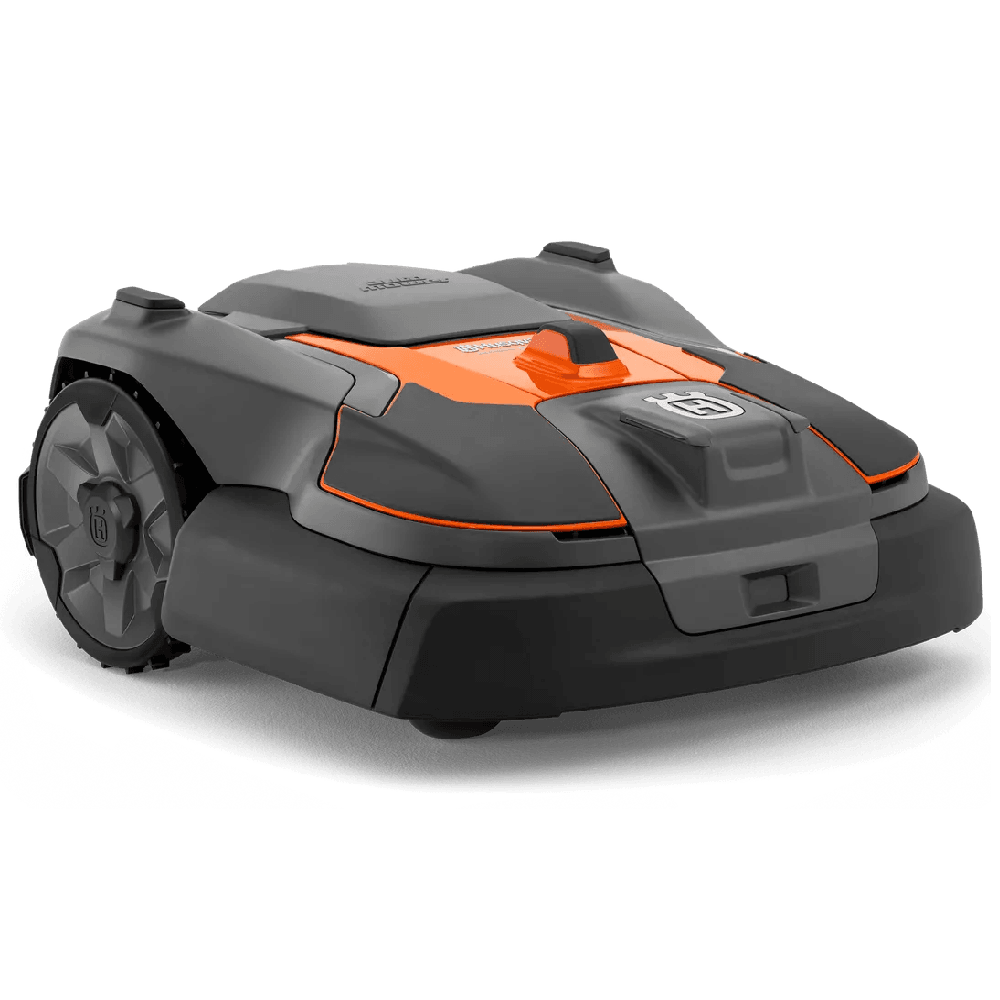
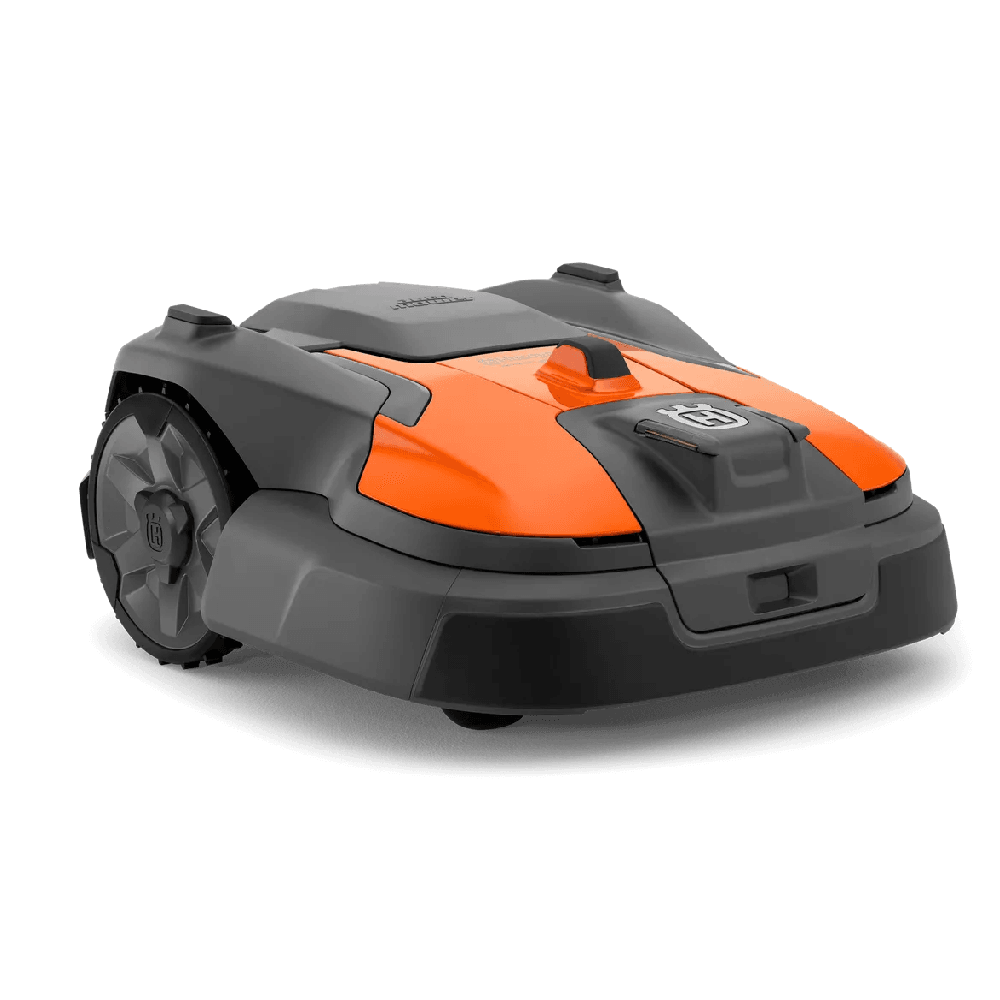
Husqvarna Automower® 580L EPOS® – a high-performance robotic mower for commercial turf care, designed specifically for the precise mowing required on golf courses. The mower meets the highest demands of mowing frequency and grass quality, and the extra-ordinary strong cutting motor, ensures optimal cutting results down to 10 mm, even in areas with intensive fertilizing and very strong grass growth. The satellite-based Husqvarna EPOS® technology enables wire free installation, allowing you to customise different work areas and set temporary stay-out zones. Additionally, EPOS® will facilitate deep soil aeration and turf renovation work without the risk of downtime. For added durability, this model features rubber elements designed to minimise damage from direct hits by golf balls. It is also equipped with active wheel brushes for optimised traction. EPOS™ RS5 Reference Station is required.Included
- Charging station
- Wheel Brushes
- Power supply unit
- Low voltage cable 2 m
- £7,899.00
Wire free robotic mower built for high-quality sports field mowing
Husqvarna Automower® 580 EPOS™ is a high-performance robotic mower for demanding commercial turf care. Engineered especially for high-maintenance sports fields requiring frequent mowing and exceptional grass quality. It features an extraordinary strong cutting motor, ensuring optimal cutting results down to 20 mm, even on intensively fertilised surfaces with very strong grass growth. The satellite-based Husqvarna EPOS™ technology enables wire-free installation, allowing you to customise different work areas and set temporary stay-out zones. Additionally, EPOS™ will facilitate deep soil aeration and turf renovation work without the risk of downtime. Built for durability with a reinforced rubberised front, this model also offers active wheel brushes, available as an accessory, to enhance traction. EPOS™ RS5 Reference Station is required.Included
- Charging station
- Power supply unit
- Low voltage cable 2 m
- £6,399.00
Wire free robotic mower for efficient commercial turf care
Husqvarna Automower® 560 EPOS® is a robotic mower for efficient commercial turf care, ideal for sports training pitches and all kinds of corporate and municipal estates. Built on a new medium-sized platform and supported by 30 years of robotic mower innovation, this model ensures high productivity, premium cutting results, and easy maintenance. The satellite-based Husqvarna EPOS® technology enables wire free installation, reducing downtime and allowing you to customise work areas and set temporary stay-out zones. With a pivoting front-wheel axle, the robotic mower easily handles uneven surfaces and slopes with up to 50% (27˚) incline. EPOS® RS5 Reference Station is required.Included
- Charging station
- Power supply unit
- Low voltage cable
- £5,499.00
Wire free robotic mower with all-wheel-drive for steep slopes up to 70%
Husqvarna Automower 535 AWD EPOS is a highly effective robotic mower with all-wheel-drive, developed for the most challenging areas within commercial turf care. The satellite-based Husqvarna EPOS® technology enables wire free installation, reducing downtime and allowing you to customise different work areas and set temporary stay-out zones. Thanks to the AWD system, the mower efficiently handles obstacles, tough terrain, and slopes with up to 70% (35˚) incline. Adapted for corporate and municipal estates, it offers easy interaction and supervision through Husqvarna Fleet Services™. EPOS® RS5 Reference Station is required.Included
- Charging station
- Power supply unit
- Low voltage cable 10 m
- Original price was: £6,199.00.£5,399.00Current price is: £5,399.00.
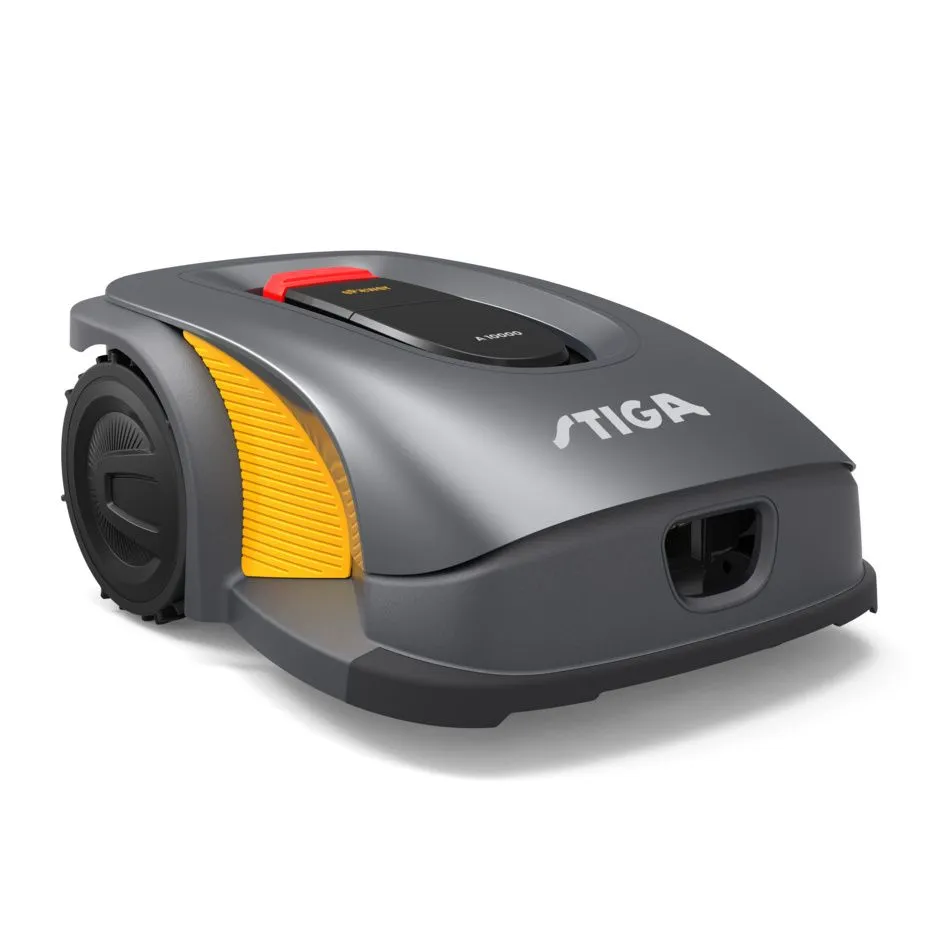
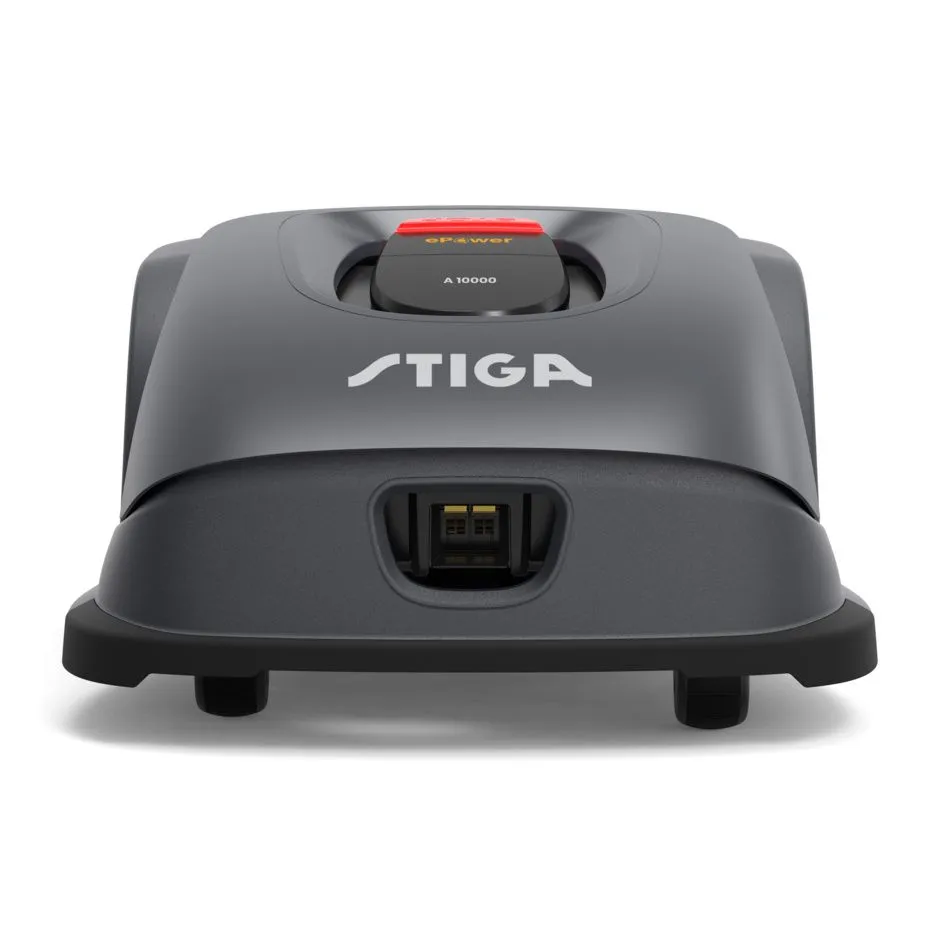
STIGA autonomous robot mowers are cable-free. The installation is virtual and the working perimeter of the robot can be adapted anytime. With the patented AGS technology, the robot can plan mowing sessions intelligently. You have full control of your robot from the STIGA.GO app. Stiga A 10000 cares for lawns up to 10 000 sqm. Free connectivity for the lifetime of your robot. No extra costs needed.
- Cable-free. Installation is virtual and simply done via the STIGA.GO App
- STIGA Active Guidance System to predict GPS signal availability and mow efficiently
- 4G connection and STIGA Cloud for constant communication
- Mowing efficiency by systematic cutting patterns
- To care for lawns up to 10 000 sqm in just 3 mowing cycles a day
- Free connectivity for the lifetime of your robot. No extra costs needed.

Buy this mower and get £500 cash back!
*Available whilst Stiga promotion runs – Enquire for more information
- Original price was: £5,299.00.£4,599.00Current price is: £4,599.00.
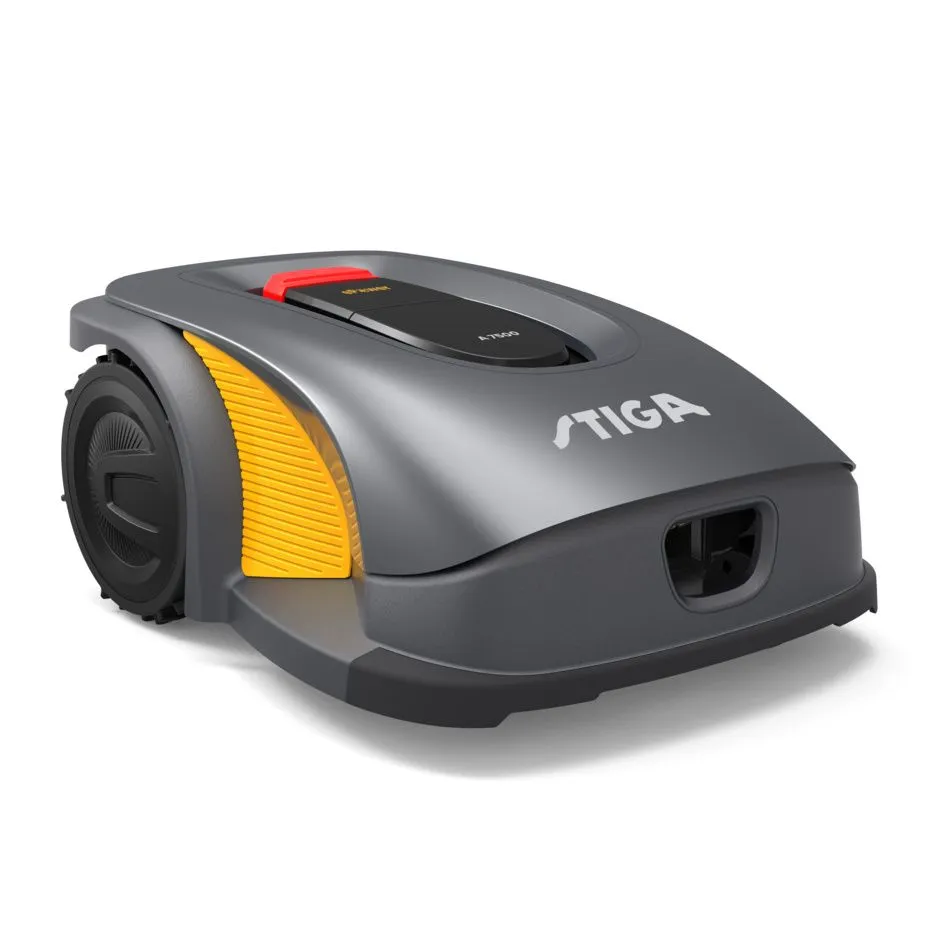
STIGA autonomous robot mowers are cable-free. The installation is virtual and the working perimeter of the robot can be adapted anytime. With the patented AGS technology, the robot can plan mowing sessions intelligently. You have full of your robot from the STIGA.GO app. Stiga A 7500 cares for lawns up to 7500 sqm. Free connectivity for the lifetime of your robot. No extra costs needed.
- Cable-free. Installation is virtual and simply done via the STIGA.GO App
- STIGA Active Guidance System to predict GPS signal availability and mow efficiently
- 4G connection and STIGA Cloud for constant communication
- Mowing efficiency by systematic cutting patterns
- To care for lawns up to 7500 sqm in just 3 mowing cycles a day
- Free connectivity for the lifetime of your robot. No extra costs needed.
Buy this mower and get £500 cash back!
*Available whilst Stiga promotion runs – Enquire for more information
- Original price was: £5,399.00.£3,900.00Current price is: £3,900.00.
Robotic mower with virtual boundaries for green areas up to 10000 m²
Robotic mower designed for professional fleet use. Fully equipped model featuring Husqvarna EPOS™ guidance with transport paths, AppDrive and precise area management. With virtual boundaries, you can define several work areas with different settings as well as set temporary stay-out zones. Handles all types of lawns, navigates narrow passages and manages slopes up to 45% (24°) with perfect cutting results – even in rainy conditions. EPOS™ reference station required.Included- Charging station
- Wheel brushes
- Power supply unit
- Low voltage cable 10 m
- Original price was: £3,499.00.£2,700.00Current price is: £2,700.00.
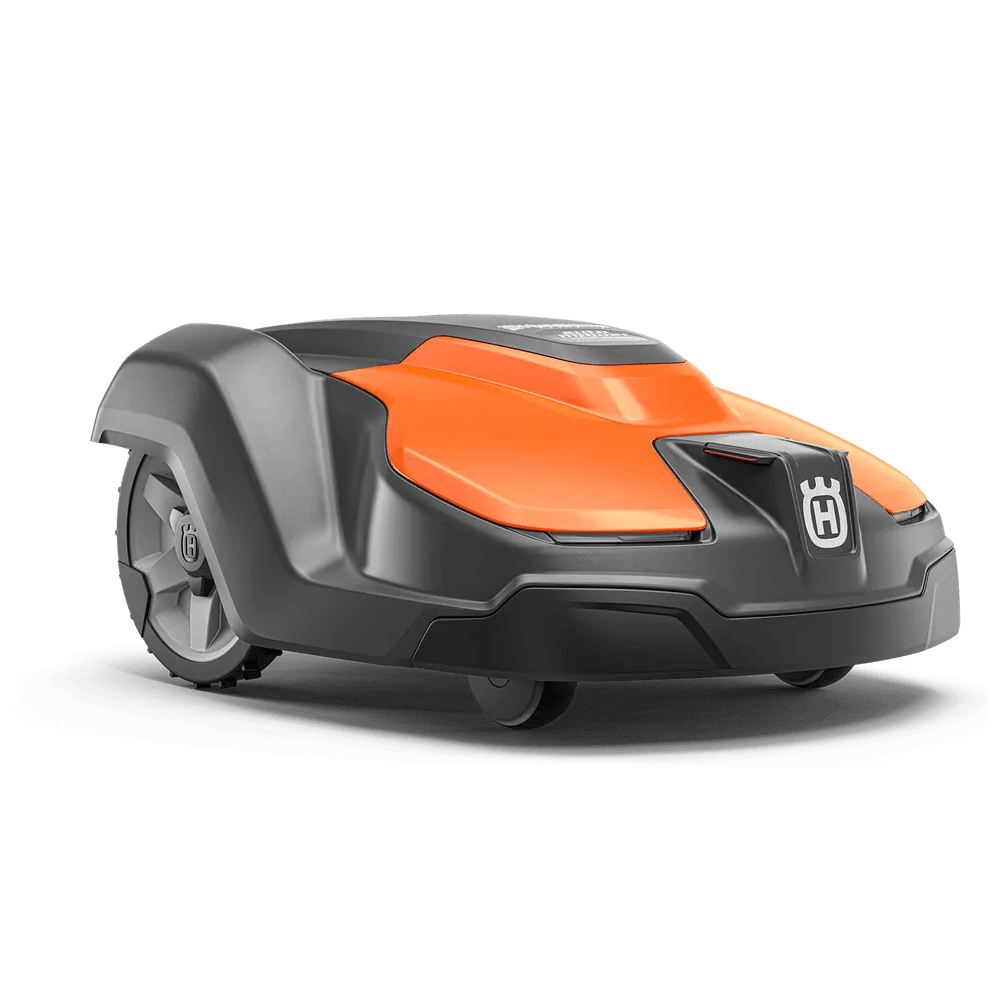
Husqvarna Automower 520 EPOS is a robotic mower designed for commercial fleet use and a sibling model to the well-established Automower 550 EPOS. It features Husqvarna EPOS™ with virtual boundaries instead of physical wires, allowing you to define several work areas with different settings and set temporary stay-out zones. Thanks to the systematic mowing pattern, Automower 520 EPOS can handle green areas of up to 5000 m². The mower also navigates easily in narrow passages and manages slopes up to 45% (24°) with perfect cutting results – even in rainy conditions. EPOS RS5 Reference Station required.
Included
- Charging station
- Wheel brushes
- Power supply unit
- Low voltage cable 10 m
- £2,699.00
Recharges CEORA™ automatically and efficiently according to a programmed schedule. Full charging time 3 – 4 hours from empty. Soft ground plates are available as an accessory, providing support when the charging station is being installed on soft ground.
- £949.00
Reference Station with up to 500-meter coverage
- £419.00
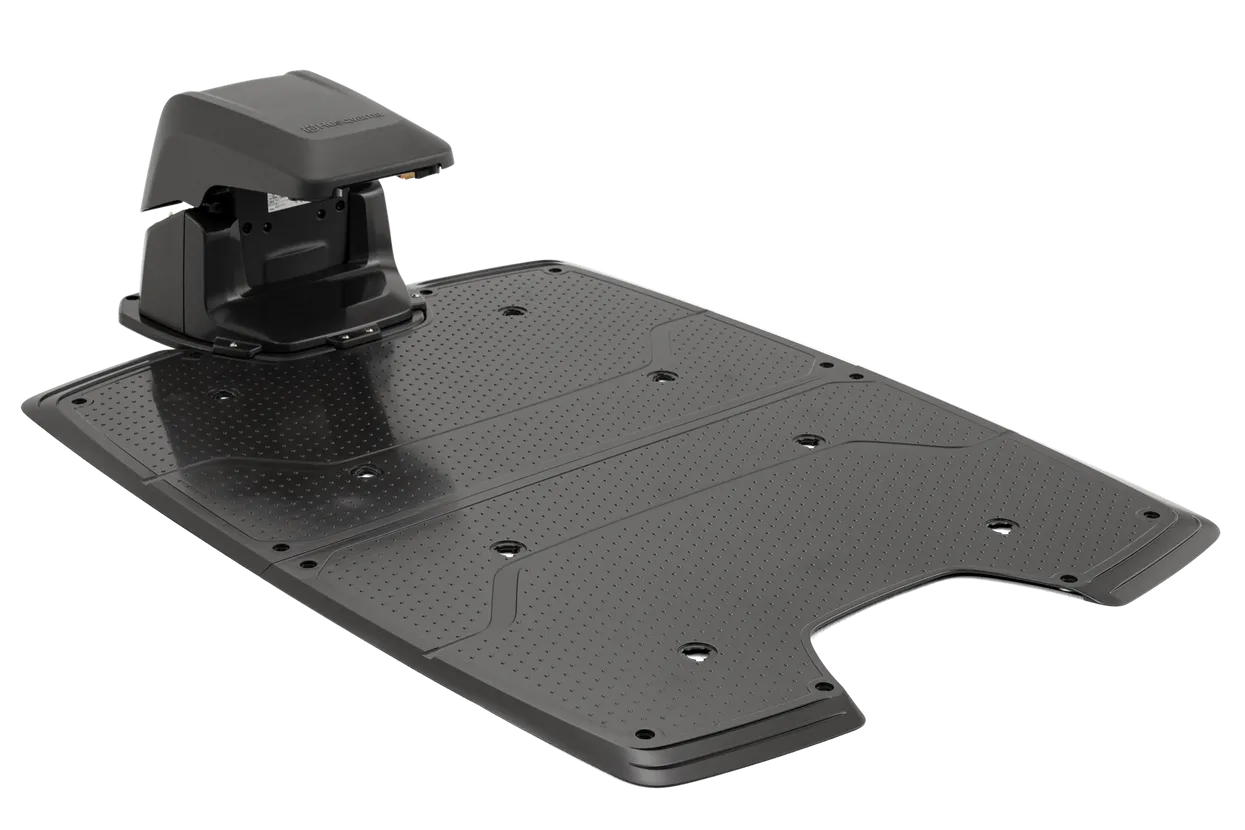
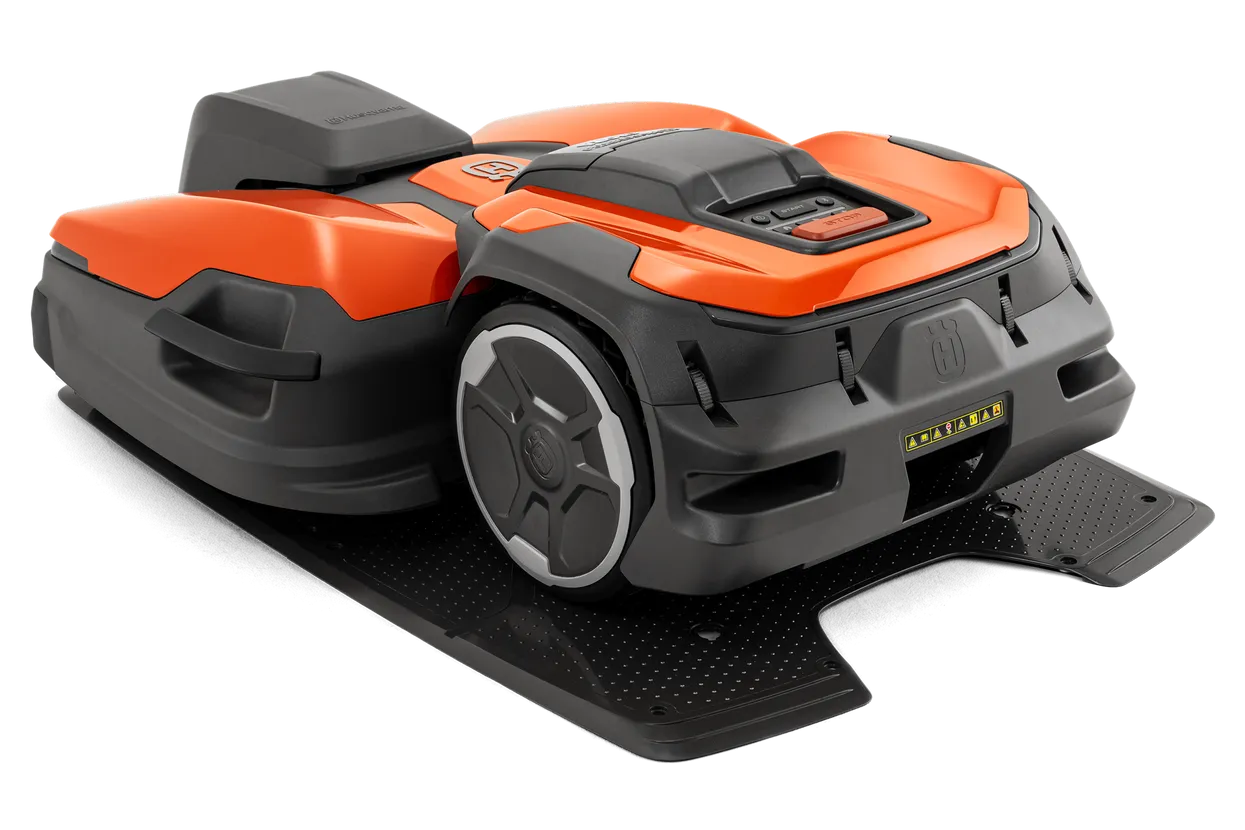
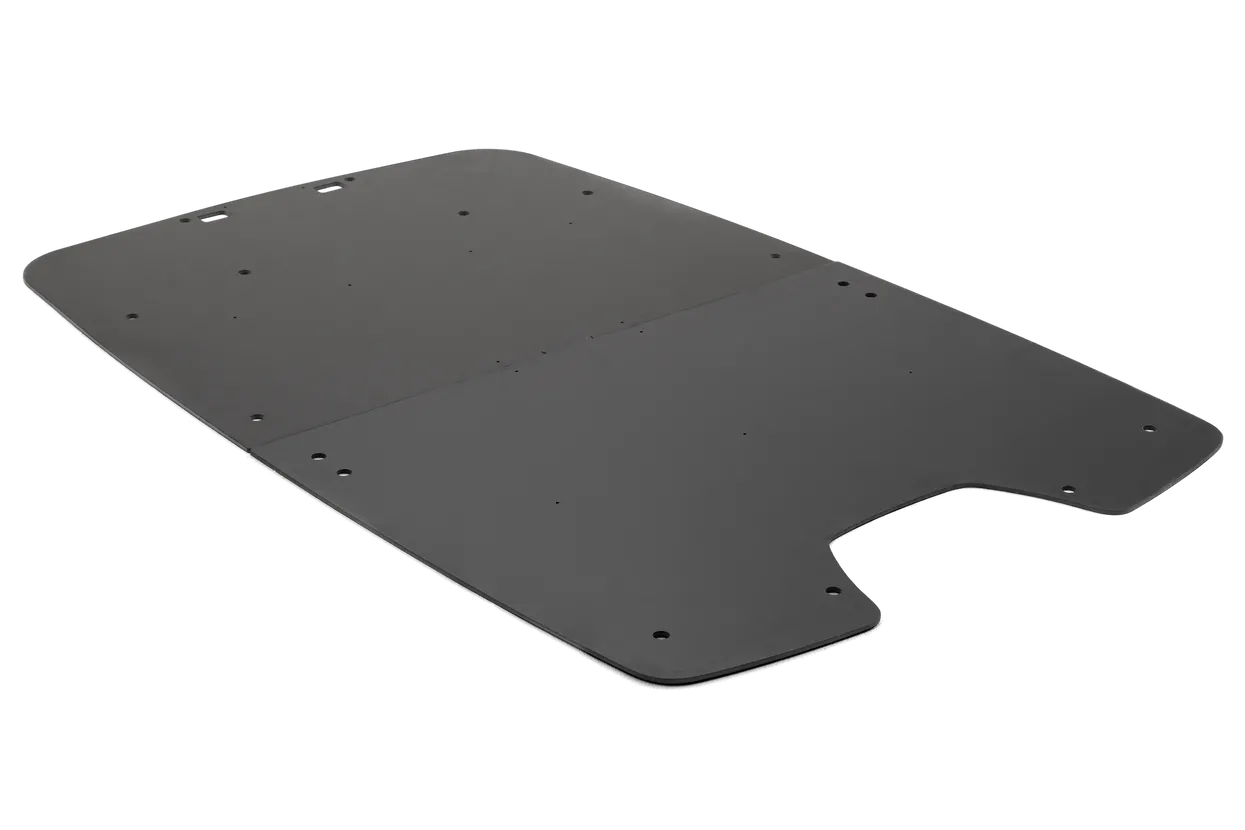
Required for installation on grass and soft surface to stabilise charging station. For CEORA™ charging station (CS4). Divided in 2 pieces for transport reasons.
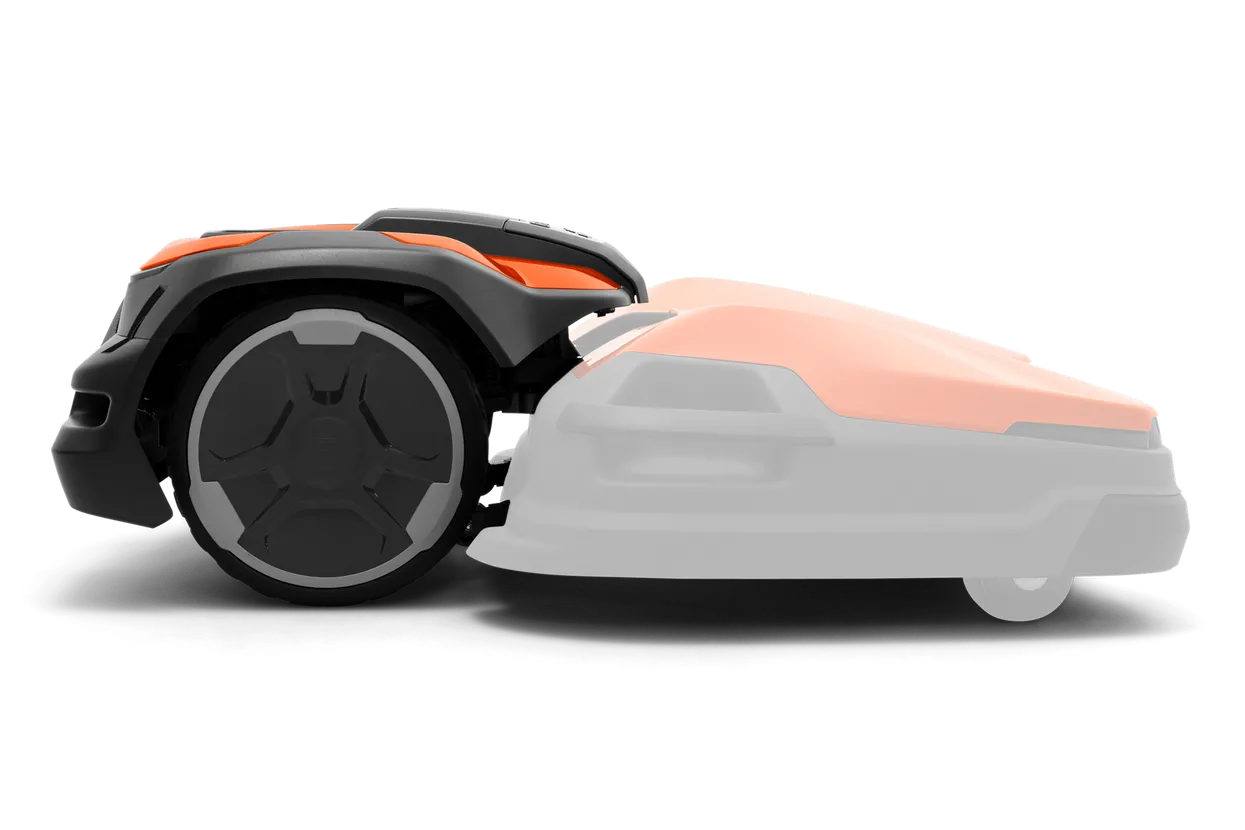










Navimow H Series Comparison
| Robotic Mower | Dimensions | Net Weight | Recommended Mowing Area | Cutting Height | Cutting Width | Battery | Mowing Time per Charge * | Charging Time | Max. Slope | Noise | Waterproof Protection Level | Cutting Height Adjustment | IOT Connectivity |
|---|---|---|---|---|---|---|---|---|---|---|---|---|---|
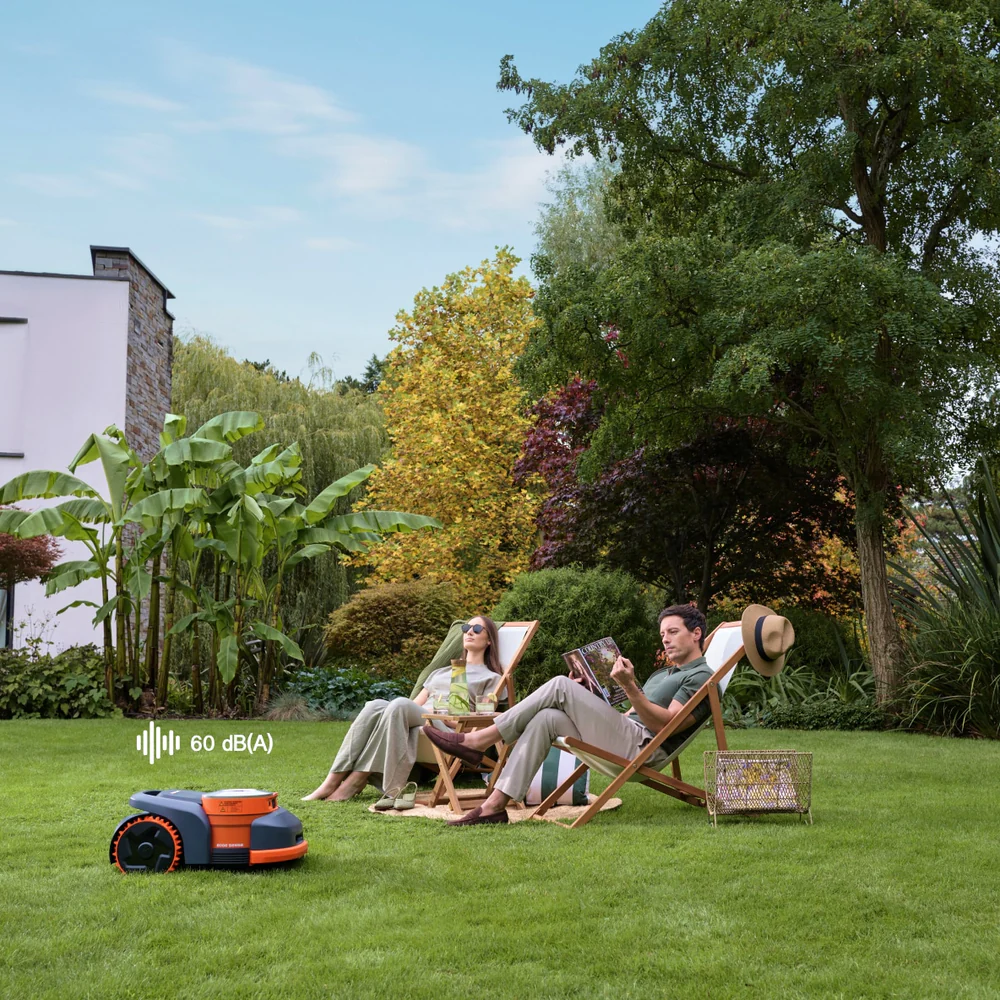
| Navimow H206E | 623.6×445×295 mm | 15.65 kg | 600 m² | 2–7 cm | 22 cm | 5.1 Ah / 110 Wh | ~110 min | ~110 min | 45% | 60 dB(A) | IP66 / IP67 | Auto | Wi-Fi, Bluetooth, Cellular |
| Navimow H210E | 623.6×445×295 mm | 16.0 kg | 1000 m² | 2–7 cm | 22 cm | 7.65 Ah / 165 Wh | ~170 min | ~70 min | 45% | 60 dB(A) | IP66 / IP67 | Auto | Wi-Fi, Bluetooth, Cellular |
| Navimow H215E | 623.6×445×295 mm | 16.25 kg | 1500 m² | 2–7 cm | 22 cm | 10 Ah / 216 Wh | ~220 min | ~90 min | 45% | 60 dB(A) | IP66 / IP67 | Auto | Wi-Fi, Bluetooth, Cellular |
| Navimow H230E | 623.6×445×295 mm | 16.25 kg | 3000 m² | 2–7 cm | 22 cm | 10 Ah / 216 Wh | ~220 min | ~120 min | 45% | 60 dB(A) | IP66 / IP67 | Auto | Wi-Fi, Bluetooth, Cellular |
How does H2 navigate?
The H2 uses both LiDAR and Network RTK technologies for navigation. Its primary navigation method is LiDAR, while Network RTK serves as a secondary, supportive system.
LiDAR continuously scans the environment, measuring precise distances to grass, walls, trees, and other reference objects to determine the mower’s location.
This allows the H2 to operate normally even without Network RTK, although integrating Network RTK improves overall positioning accuracy.
What is Network RTK?
Traditional RTK (Real-Time Kinematic) is a high-precision GPS positioning technology. It requires the mower to be equipped with a high-precision GPS antenna that supports RTK. The mower receives GPS signals, while an additional GNSS antenna (also a high-precision GPS antenna) is installed in the garden.
The GNSS antenna receives the GPS signals and transmits the data wirelessly to the mower. By combining the GPS data received from both antennas, the mower can achieve centimeter-level positioning accuracy.
The Network RTK used in the H2 series works on the same principle, but with one key difference — instead of requiring users to install their own GNSS antenna, the supplier has already set up a network of base antennas in cities. These antennas receive GPS signals and send the correction data to the mower via the 4G network. While Network RTK enhances accuracy in open areas, the H2 still uses LiDAR as its primary positioning method and does not rely on it.
Just like traditional RTK, the mower still needs to combine the GPS data received by its onboard antenna with the correction data sent through the 4G network to achieve high-precision positioning.
What's the maximum supported mowing area?
The H2 series offers multiple models suitable for different lawn sizes. The maximum supported mowing area of each model depends on hardware factors such as motor speed, battery capacity, and charging time.
For user convenience, the maximum supported mowing area of each model is not absolutely strict — we allow a slight margin beyond the specified limit.
What is Auto Mapping and how does it work?
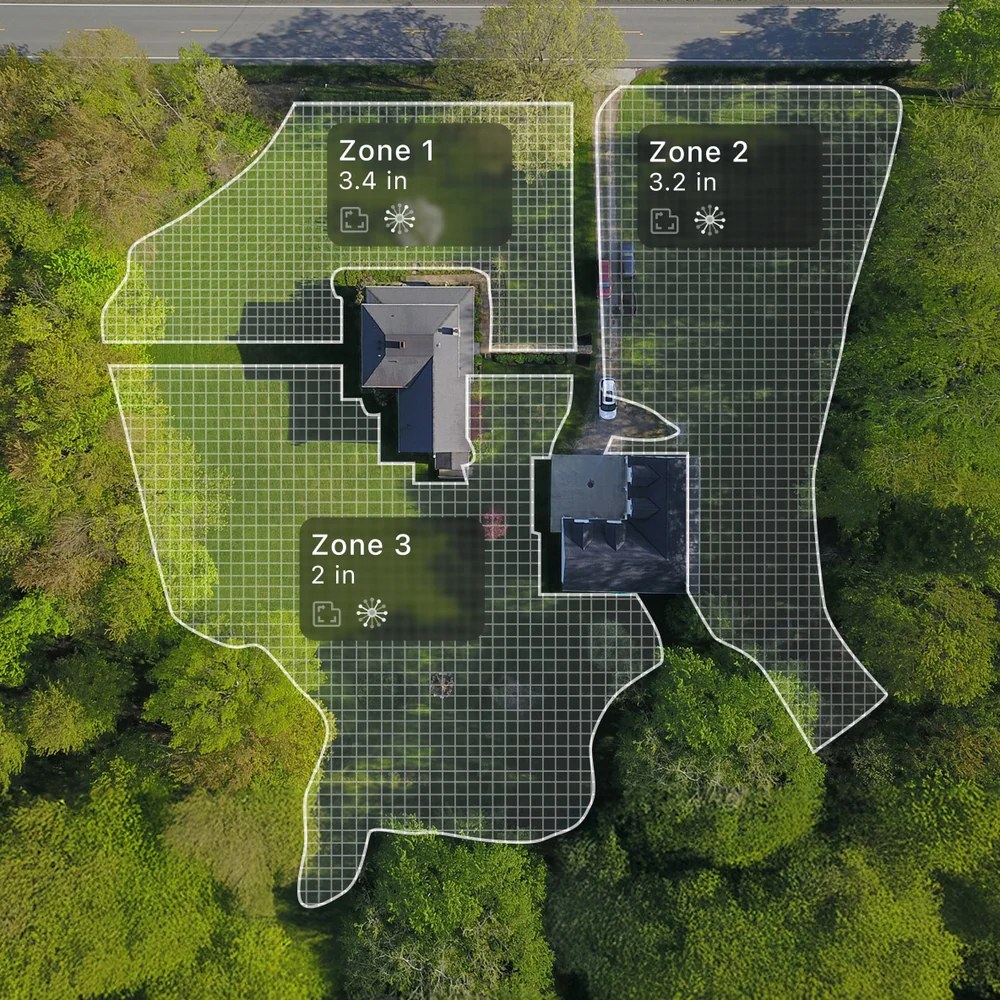
Auto Mapping uses both LiDAR and cameras to automatically create a precise boundary map for your lawn. This feature allows the mower to explore and detect the outer edges without manual remote control, making setup faster and more convenient.
To begin, tap “Create Map” on the home page, then follow the on-screen instructions in the app to guide the mower into the lawn area and mark it step by step. Once all the zones have been marked, the mower will then begin identifying the outer boundary and gradually generating the map. As it moves along the perimeter, you will see the map expand in real time until it eventually forms a closed loop.
Thanks to the fusion of LiDAR, vision-based boundary recognition, and NRTK technologies, the mower does not need to follow the exact lawn edge during mapping — yet the resulting boundary is as accurate as manual mapping.
During mapping, the mower travels approximately 30–50 cm inside the boundary line. However, when mowing, it will cut right along the boundary edge.
Once Auto Mapping is complete, the mower will automatically return to the charging station. You can then start mowing immediately.
Auto Mapping Usage Notes:
1. The mower can automatically map only the lawn areas it can drive to by itself from the charging station. If a lawn section is isolated—such as a separate backyard area or a lawn on a higher level—it cannot be mapped automatically. These sections must be created as Isolated Zones, and after Auto Mapping is complete, the mower needs to be manually carried to these areas and go to Home > Settings > Map Management > Add More > Boundary to create the map manually with the mower.
2. The lawn has closed boundaries, such as fences or clearly defined edges.
3. The lawn edges are clearly visible and well-defined.
4. There are no drop hazards (e.g., cliffs, steep slopes) near the edges.
5. There are no sharp slopes along the edges.
6. Auto Mapping is only supported during daytime and performs best under daylight conditions. For mapping at night or in low-light conditions, please use manual mapping instead.
How often should I replace the blades or other components?
You can go to App Home > Settings > Parts Maintenance to check for maintenance and replacement suggestions for the blades and other parts.
Typically, the blades should be replaced after 80 hours of use.
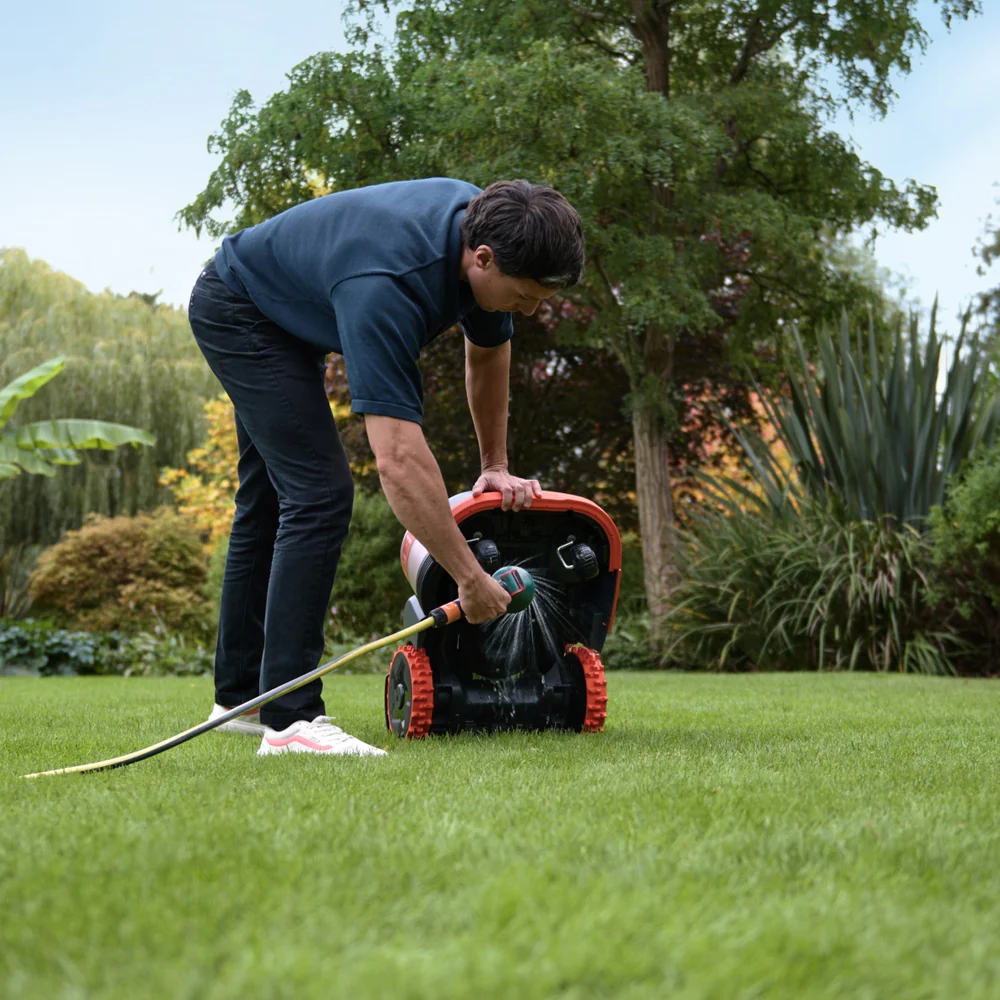
How to clean Navimow H2?
The Navimow H2 features an IP66 waterproof rating, allowing for easy cleaning with a cloth or garden hose. Please do not use a pressure or power washer.
Before cleaning, make sure the Navimow H2 is powered off.
DO NOT clean with alcohol, gasoline, acetone, or other corrosive/volatile solvents. These substances may damage the appearance and internal structure of your Navimow H2.
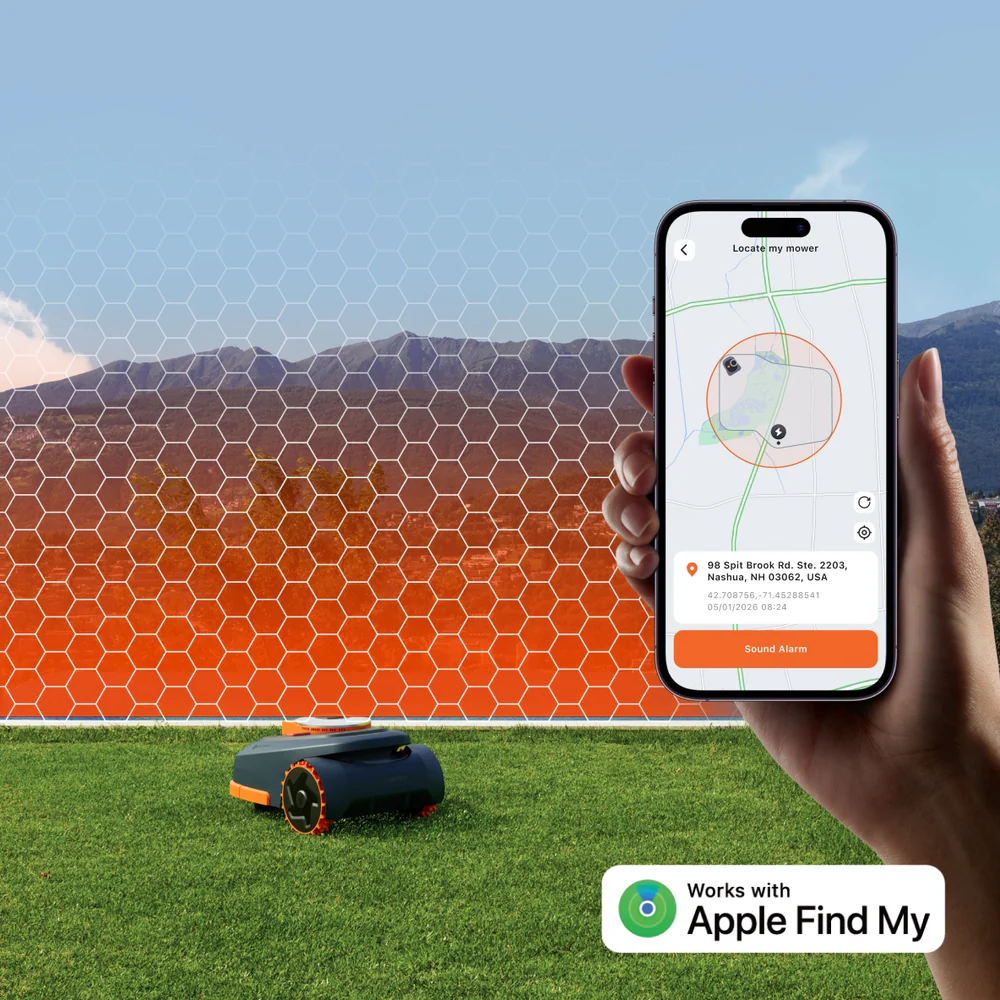
How to use "Find My" on my Navimow H2?
There are two ways to add your mower:
Option A: Add via Navimow App
1. Open the Navimow app on your phone and connect it to your mower.
2. Go to Home > Settings > Anti-theft > Find My > Bind. The app will automatically navigate to the Find My app.
3. In the Find My app, tap + and select Add Other Item.
4. Choose your mower and follow the on-screen instructions to complete pairing.
Option B: Add via Mower Buttons
1. Launch the Find My app on your iPhone or iPad.
2. Tap + and then Add Other Item.
3. Press and hold the OK button for 1 second to power on the mower.
4. Press the STOP button ten times, then press the RETURN button once (you will hear a sound each time you press).
5. Enter the PIN code on the mower’s screen (use the same PIN set in the Navimow app).
6. In the Find My app, select your mower and follow the on-screen instructions to complete pairing.
How to install the garage for the Navimow H2?
1. Unpack the garage from the box.
2. Check and make sure no parts are missing.
3. Secure the garage base with 4 bolts.
4. Secure the cover with 2 fasteners.
5. Lay the cables down and organize them.
6. Secure the garage to the ground by using 8 screws.
7. Tighten the screws.
NOTE: Do not put heavy objects on garage. Put the garage in storage when the temperature goes below 0°(32℉)
You can also check out the video at the link below for installing the Garage:
